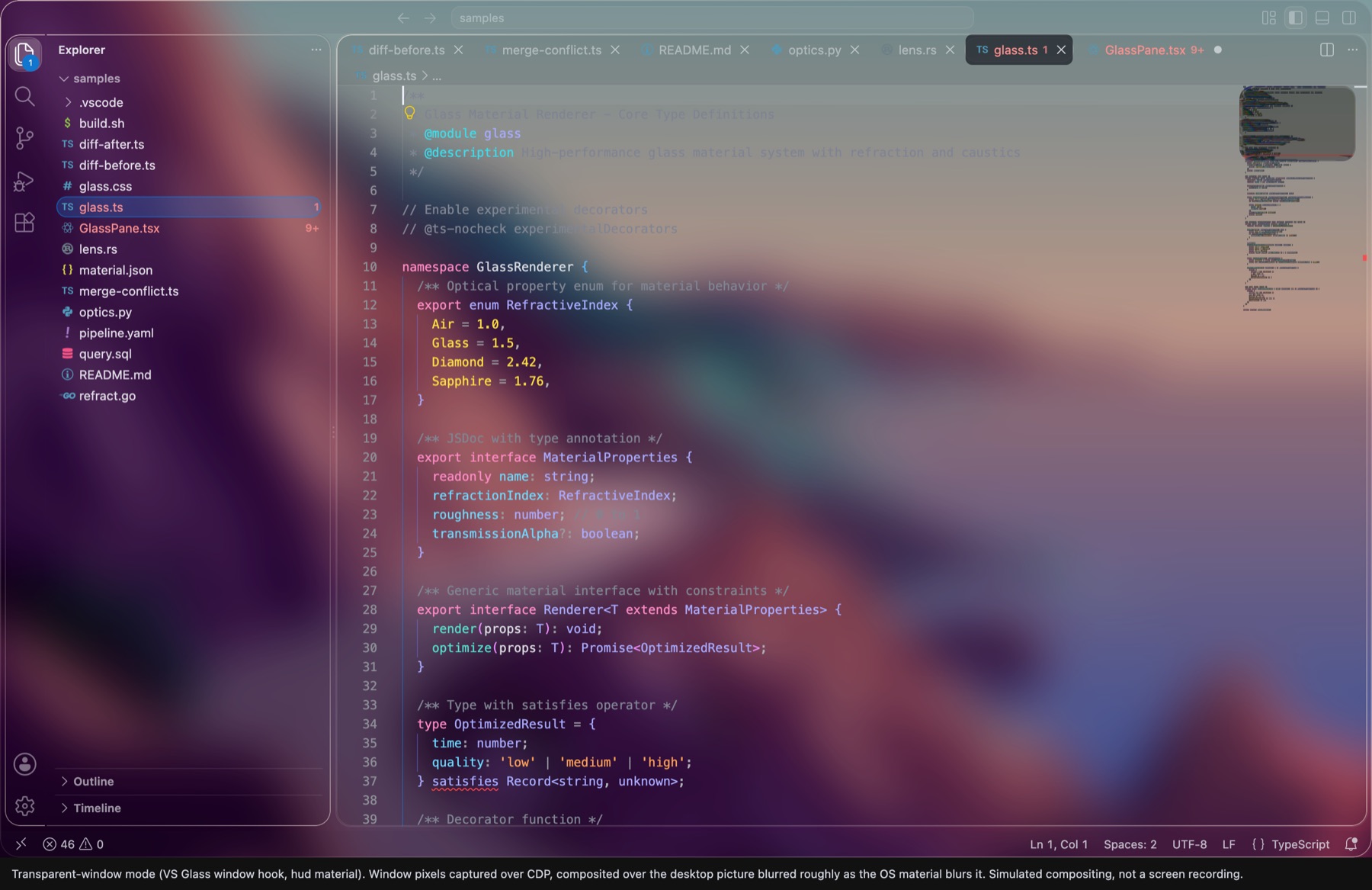
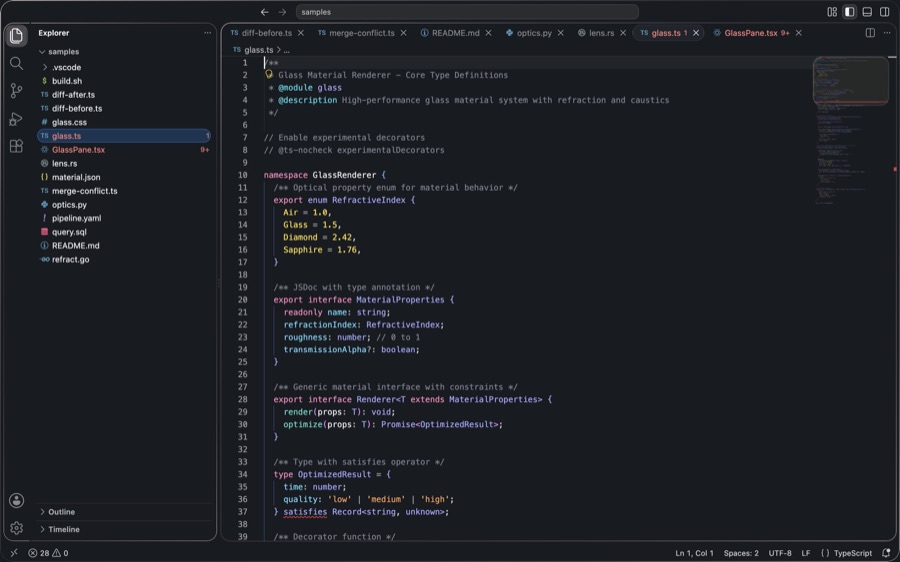
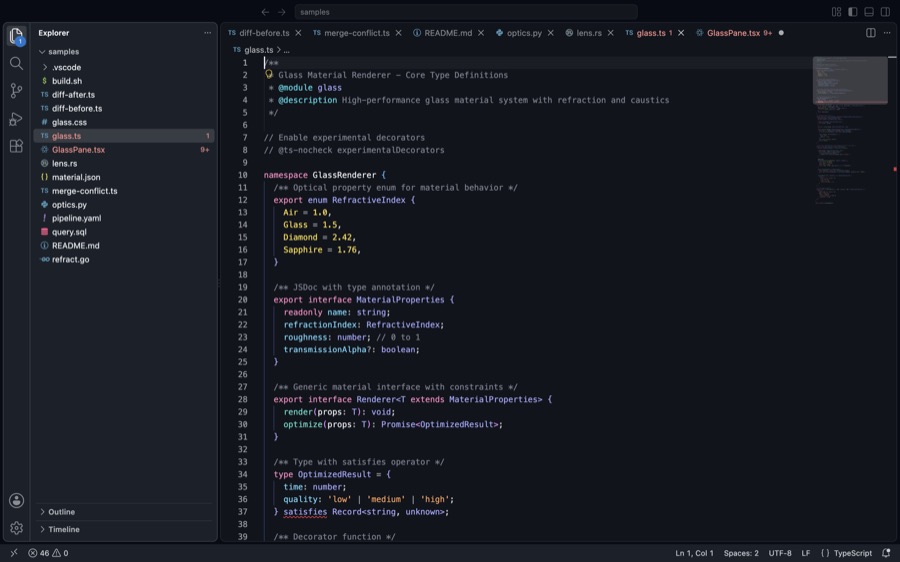
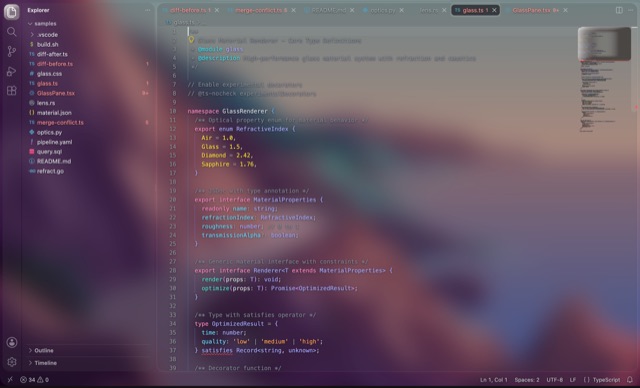
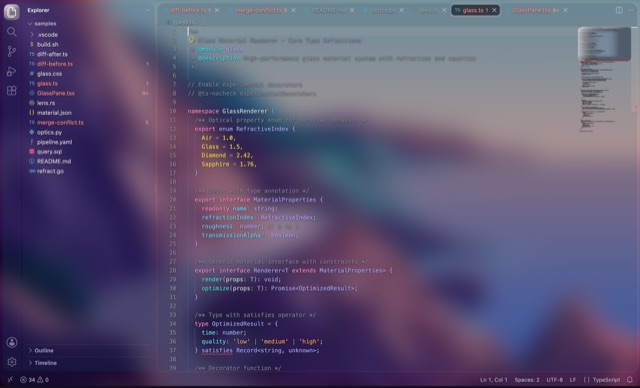
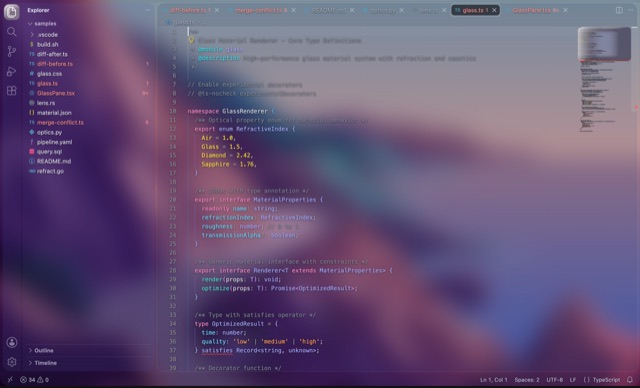
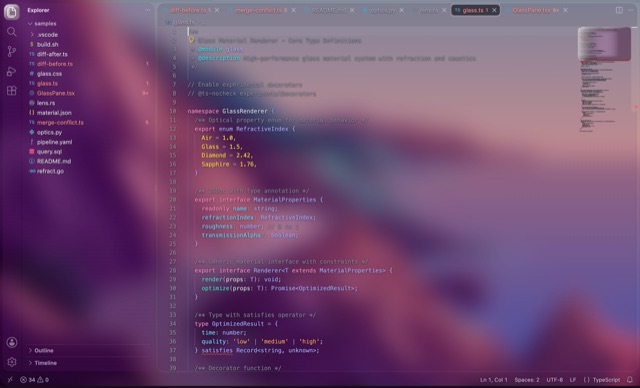
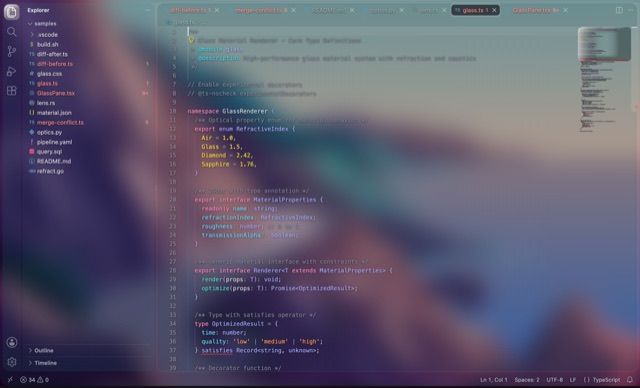
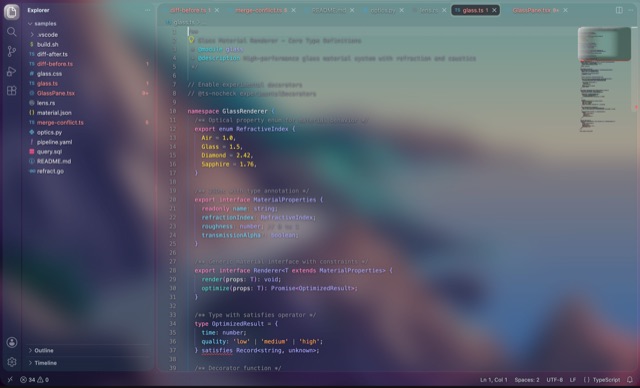
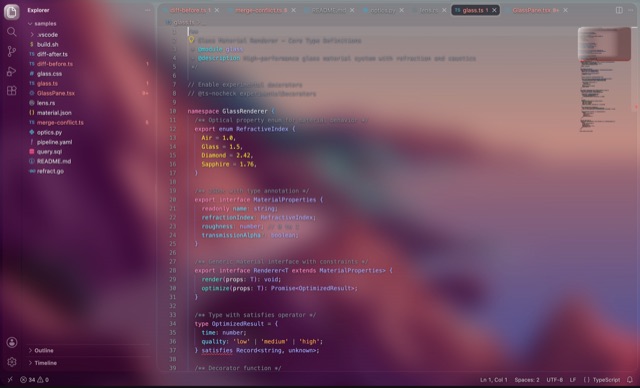
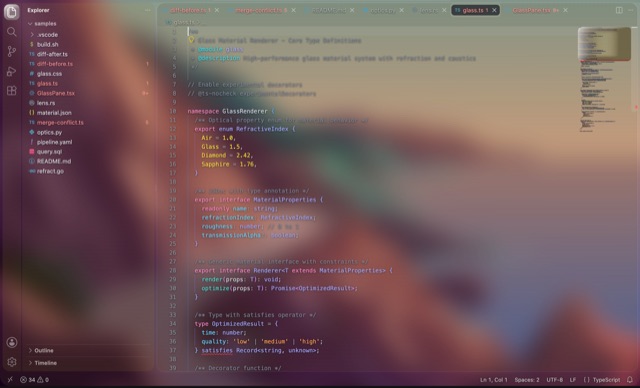
A see-through VS Code with a real refracting lens at every rim — and, on macOS 26, a window
made of the system's own Liquid Glass, bending whatever is live behind it.
Extensions → … → Install from VSIX…
pick a Glass theme · answer Apply · quit and reopen once
Drag the glass
Not a video. The same filter the extension ships, running in your browser.
// the lens is a displacement map drawn in CSS pixels, not a blurfunctionaxisMap(axis, cls, edge) {
// one ramp from the near edge, the same ramp mirrored to the far one;// Chromium lays the SVG out at the element's real size, so a rim is// the same 30 px on a tooltip and on a palettereturn`<linearGradient id='a' gradientUnits='userSpaceOnUse' x2='${edge}'> ${stops(profile)}</linearGradient> <rect width='100%' fill='url(#a)'/> <rect width='100%' fill='url(#b)' style='transform:scaleX(-1)'/>`;
}
// under the frost and the bent rim, a base of the widget colour hides// the sharp original a see-through window would otherwise show twice;// red, green and blue are displaced by different amounts,// so the rim disperses the way a real glass edge does.
drag me
OverShapeLens
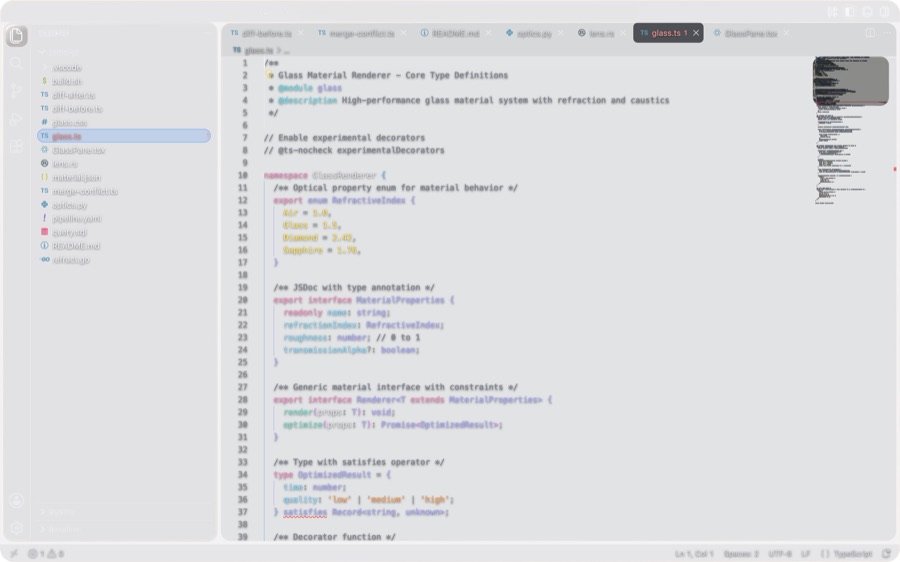
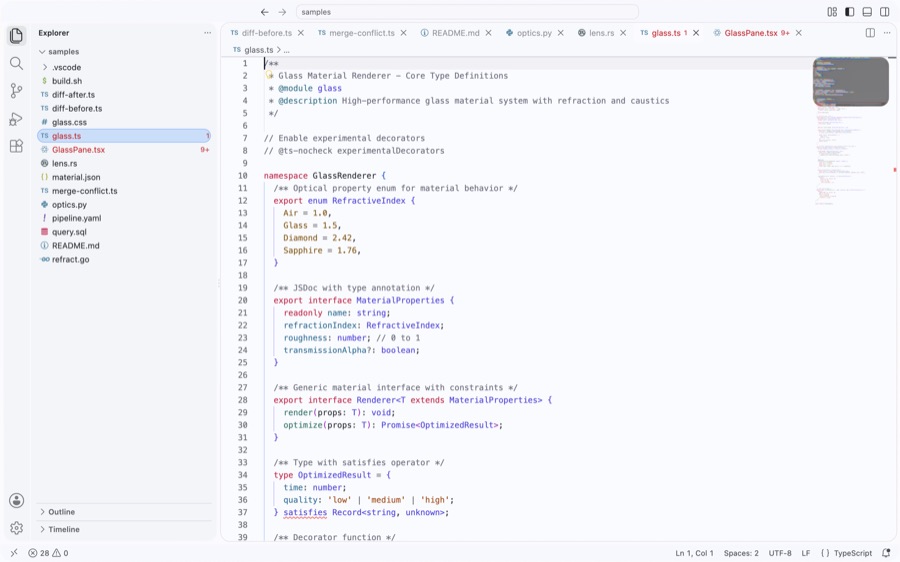
Drag it over the code, the photo, or a screenshot of VS Code itself. The bend and the colour split at the rim are the extension's own filter, lifted out of glass.css.
The real tech
No blur trick, no screenshot fakery.
A generated lens, not a blur
Each surface class gets a displacement map drawn as an SVG image in CSS pixels and fed to an SVG
feDisplacementMap inside backdrop-filter, so a rim is the same width and bends the
same distance on a tooltip and on a palette. Red, green and blue are displaced by different amounts, so the rim
disperses like real glass.
The widget class's real map from glass.css: R carries the bend along x, G along y.
The window itself is glass
A backdrop-filter can never see past its own page. On macOS 26, with Window Material set to
liquid-glass, a helper process keeps a real Liquid Glass plane under the window — Apple's own
Clear or Regular material, with the rim refraction retuned by the Lens setting — so other windows, video and
the desktop frost and bend behind the frame and the gaps between the panes, live.
Material
Apple's Clear or Regular, or a clear plane
Rim
refraction retuned by Lens
Colour split
in-window rims only: chained to the slab, macOS drew no glass at all
One file, backed up first
VS Code has no extension point for a transparent window or workbench CSS, so VS Glass adds one
marker-delimited hook to out/main.js — the only bootstrap file VS Code does not checksum.
VS Glass: Remove restores it byte-exact.
// VS-GLASS-HOOK-V8 start
win = new BrowserWindow({ …, transparent: true })
win.webContents.insertCSS(glassCss)
// VS-GLASS-HOOK-V8 end
Everything applies live
The extension composes the CSS from your settings and the hook re-applies it on the spot. After the first
quit-and-reopen, nothing needs a reload.
Density 0–200Widget density8 tintsLens ×4Aberration ×5Window materialWallpaper mode
Four variants
Dark, light, clear, and an opaque one for projectors.
Regular DarkRegular LightClearOpaque
Eight tints
A thin coloured film, off by default.
GraphiteBlueIndigoVioletTealMintRoseAmber
Get it
Not on the Marketplace — download the package.
Download the .vsix, then in VS Code:
Extensions → the … menu → Install from VSIX…. Or from a terminal:
"/Applications/Visual Studio Code.app/Contents/Resources/app/bin/code" \
  --install-extension vs-glass-1.3.0.vsix
the full path matters: a `code` alias that wraps `open` swallows --install-extension
Then pick Glass Regular Dark,
Regular Light, Clear or Opaque, answer Apply
to the one-time prompt, and quit with ⌘Q and reopen once. macOS gets the see-through window; everywhere else the
same optics run over a wallpaper backdrop.
 VS Glass 1.3.0